Your first 30 minutes with SigzenBI
For everyone — no technical steps on this page.
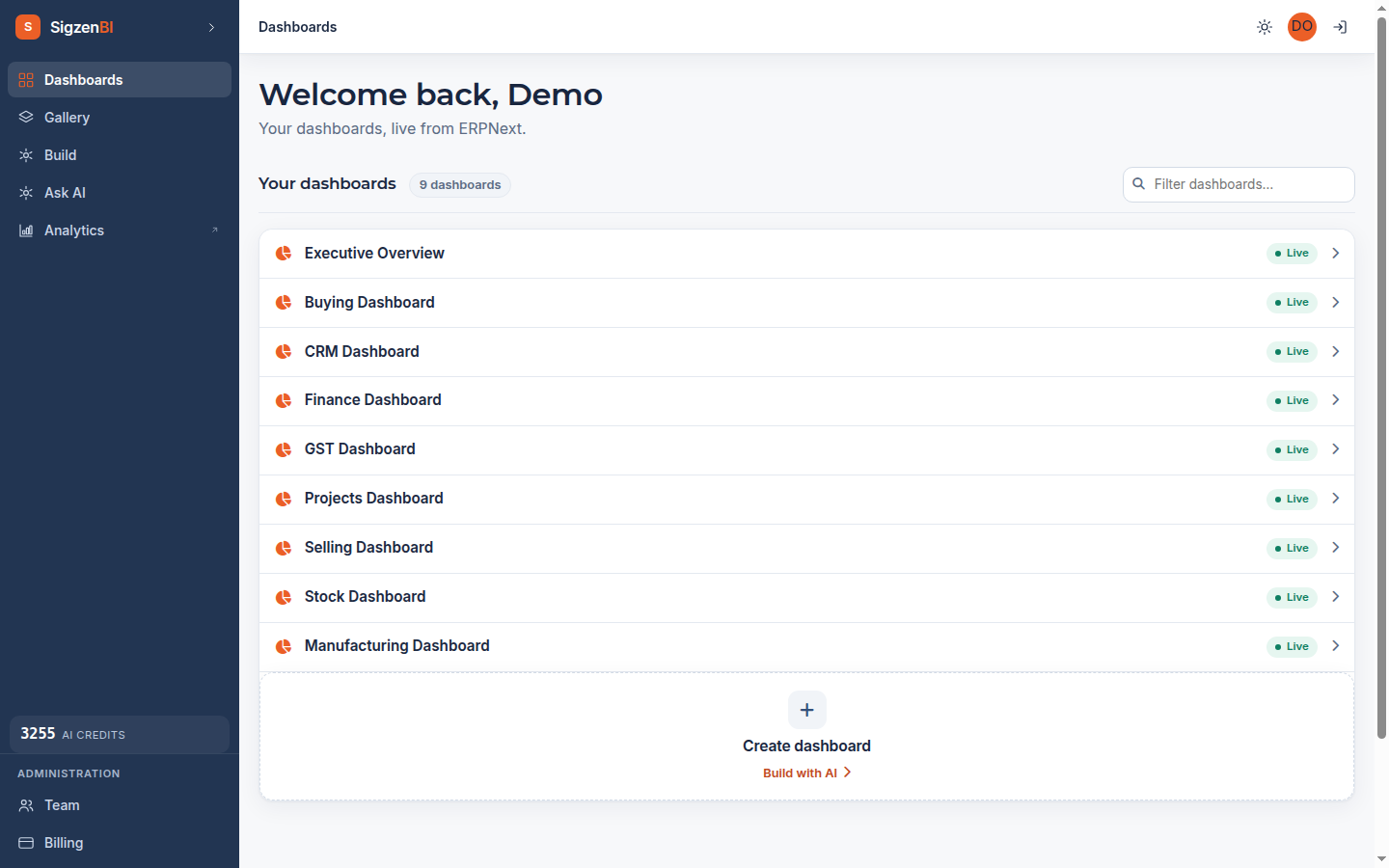
The nine dashboards you already have
SigzenBI built these from your data the moment you signed up:
| Dashboard | What it shows |
|---|---|
| Executive Overview | The whole business on one screen — the place to start |
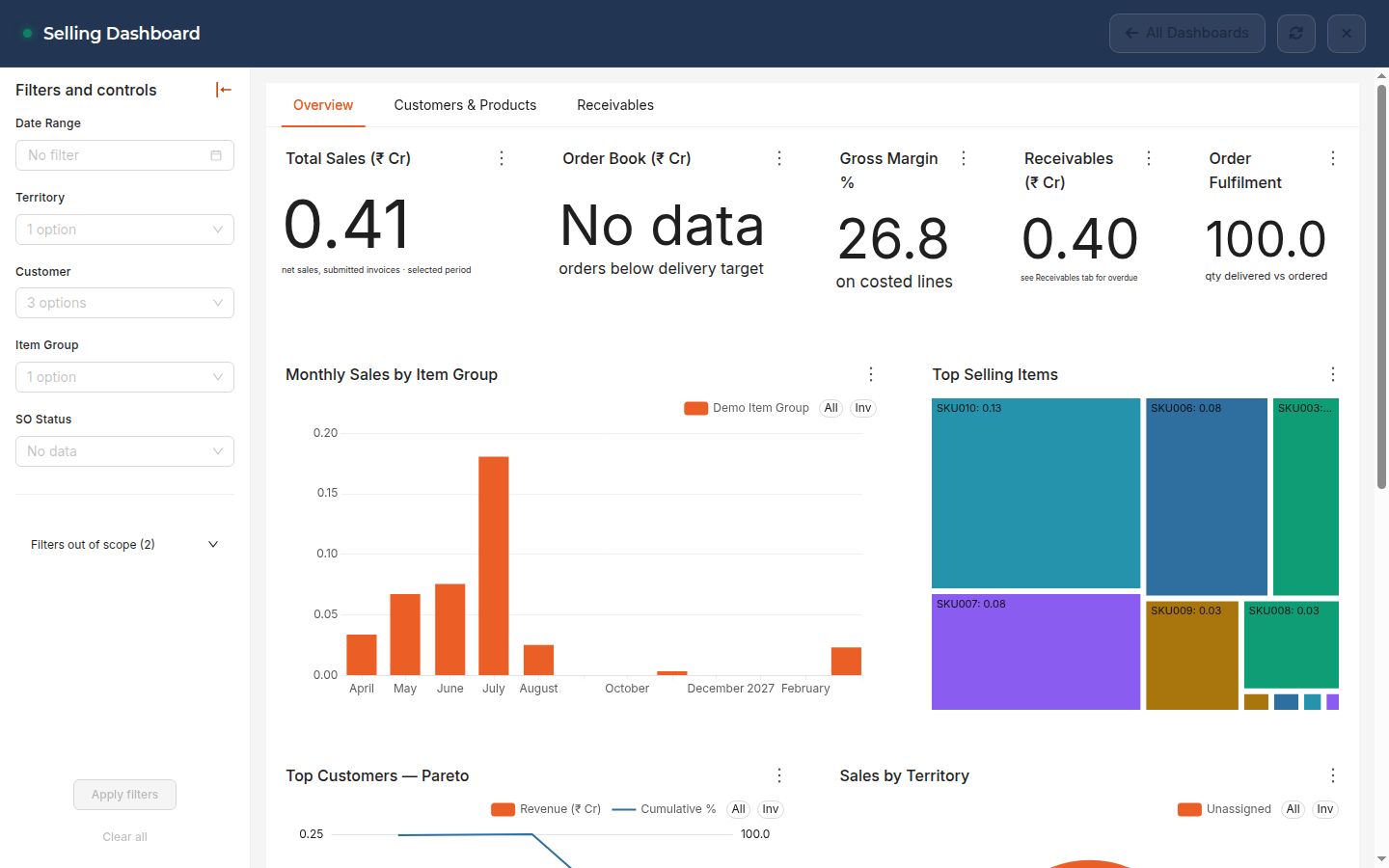
| Selling | Sales, customers, order pipeline |
| Buying | Purchases and suppliers |
| Stock | Inventory levels and movement |
| Finance | Receivables, payables, cash view |
| GST | Tax-relevant figures for filing periods |
| Manufacturing | Production and work orders |
| CRM | Leads and opportunities |
| Projects | Project activity and status |
Open them from your dashboard home at https://<your-site>/client_dashboard.
Two normal things on a brand-new account:
- A "Setting up" message for a minute or so while your dashboards are prepared.
- A chart area that loads blank on the very first visit — reload the page once.
One normal thing that isn't a bug: a dashboard with empty charts usually means that module has no data in your ERPNext yet. A company that doesn't use Manufacturing will see an empty Manufacturing dashboard — that's your data telling the truth.
Minute 10 — invite a colleague
Go to Team (/team) → Invite. Choose a seat:
- Analyst — builds dashboards and charts, and can query data directly.
- Viewer — sees only the dashboards you give them. No editing, no data access beyond that.
- SigzenAI — an add-on for either seat: ask questions in plain English, get charts back.
You'll be shown a one-time temporary password to pass to your colleague — SigzenBI shows it to you once, on screen. Details: Team & permissions.
Minute 15 — ask your first question
Open Build chat and try:
Top 10 customers by sales this year
You'll get a chart, and an Add to dashboard button to keep it. More in Asking questions.
Minute 25 — know your trial
You're on a 14-day free trial with 125 included question credits. When it ends, dashboards pause until you subscribe — your data and settings are kept, and nothing is ever charged automatically. Pricing: Billing, seats & credits.